
H&M Price Drop Alerts in the UK: How to Get Them

If you want a ping when a particular H&M jumper, coat or lamp gets cheaper, the short answer is this: H&M’s own app is built around favourites, restock notifications, offers and events rather than item-by-item price alerts. The simplest way to cover the gap is to save the product link to a wishlist that tracks prices, add the size and colour you want in the notes, and let the alert do the watching. Below we explain what H&M’s app and email do offer, how to set up a price alert yourself, and what to check on the H&M UK site before you buy.
TL;DR
- H&M’s app listing describes restock alerts and notifications about collections, offers and events, but it doesn’t mention alerts for an individual item’s price drop.
- Joining H&M’s newsletter is the official route to sale invites and vouchers, so it is worth doing alongside any price alert.
- A wishlist with price tracking, such as WantThis, lets you save an H&M link next to items from other shops and watch for drops in one place.
- Always check size, colour, delivery cost and the final basket price on H&M’s UK site before you buy, because an alert is a prompt and not a guarantee.
- Big discounts at fashion retailers have become more frequent, so waiting a few weeks for a saved item can pay off.
Table of Contents
- What H&M offers in the UK today
- How to get notified about H&M price reductions
- Setting up a price alert for an H&M product
- Making sure the alert matches the right item
- Are price alerts free, and what do they ask for?
- How often does H&M cut prices?
- What to check on H&M’s UK site before you buy
- Beyond clothes: H&M Home, gifts and shared lists
- Our view
- Start a list that watches prices for you
- FAQ
- Sources
What H&M offers in the UK today
Start with what is official, because it tells you what you don’t need a third-party tool for.
The H&M app listing on the UK App Store describes push notifications for designer collection drops, special offers and events. It doesn’t describe alerts that tell you a specific product has fallen in price. A third-party app guide adds that notifications also cover restocks, and that alerts by size or product tell you when an item is back in stock.
On the website, H&M invites you to subscribe to its newsletter for fashion updates, bonus vouchers and special invites to sales and events.
So in practice you have three official signals:
| Signal | What it tells you | What it doesn’t tell you |
|---|---|---|
| App push notifications | New collections, offers, events, restocks | That one saved item is now cheaper |
| Newsletter | Sale invites, vouchers, fashion updates | Prices on the exact things you saved |
| Favourites in the app | A place to keep items for later | A price history or a target-price alert |
That is a perfectly good setup for general sale timing. If you are waiting for one particular parka to drop below a figure you have in mind, you need something that watches that single page.
How to get notified about H&M price reductions
There are four practical routes. Most people end up combining two of them.
- Use the app’s restock alert for sold-out sizes. If your size has gone, the restock alert is the official way to hear it has returned. It isn’t a price alert, but it stops you missing the item altogether.
- Join the newsletter. Sale invites and vouchers arrive by email, which is handy for planning when to buy.
- Save the item to a price-tracking wishlist. This is the closest thing to a true item-level alert, and the one we cover in detail below.
- Check your saved list on a routine. If you don’t use alerts at all, a weekly look at your favourites, and a note of the price you first saw, does a lot of the same job.
The third route is the most useful because it keeps working across retailers. Fashion shoppers rarely buy from one shop only, and a list that holds an H&M coat, a pair of boots from elsewhere and a gift for a friend is easier to manage than three separate favourites lists.
Setting up a price alert for an H&M product
Here is how we suggest you do it with WantThis, which is free to use.
- Find the exact product page on H&M UK. Open the item on the H&M UK site, choose the colour you want, and copy the web address from your browser. Make sure it is the UK site, so the price is in pounds and the delivery terms are the UK ones.
- Add the link to a list. Paste it into a WantThis list, or use the browser extension or the iOS and Android apps to save it while you browse. When you add a link, WantThis can import available product details such as the name, image and price to help build your list.
- Write the size and colour in the notes. Product pages can show a price for the item as a whole, so note the size you need. That way you’ll know what you were watching when the alert arrives.
- Switch on the price alert. WantThis tracks price drops across 30+ UK retailers, with alerts and price history. Turn the alert on for the item and choose how you want to be told.
- Group it sensibly. Put it in a list that matches why you want it: an autumn wardrobe list, a room-makeover list for H&M Home pieces, or a birthday list if someone else might buy it for you.
Our price tracking feature page explains the alerts and price history in more detail, and our guide to price drop alerts across UK stores covers the general approach, including Amazon.
Managing alerts once they are running
A few habits keep an alert list useful and not noisy:
- Keep only items you would genuinely buy. A list of 80 saved things makes every notification easy to ignore.
- Review the list when the seasons change. Winter coats you saved in October may not be relevant by March.
- Use price history, where it is shown, to see whether the current price is a real fall or simply the usual price.
- Delete items once bought or no longer wanted, so the alerts you receive stay meaningful.
Making sure the alert matches the right item
Most disappointments with price alerts come from a mismatch, not from the tool failing. Run through these checks when a notification arrives.
- Colour. H&M often sells one design in several colours, each with its own page. Check the colour name matches the one you saved.
- Size. A lower price is no use if your size is sold out. Open the page and select your size before you get excited.
- UK price. Make sure the page you are on is the UK store and the price is in pounds.
- Product name or article number. If you saved a very similar item, a cousin of the one you wanted can be confusing. Compare the name against your note.
- Version of the item. A sale price may apply to a particular colour or size only, so the headline price is sometimes not the one you pay.
If anything looks off, trust the H&M page over the alert. The alert is a nudge to go and look, not the final word on price or stock.
Are price alerts free, and what do they ask for?
WantThis is free to use, and creating lists, sharing them and setting price alerts doesn’t involve a subscription fee. Some tools in this space ask for an email address, and browser extensions request permission to read the page you are on so they can capture the product. That’s normal for the job, but it is sensible to read the permissions screen when you install anything, and to check the privacy information of any tool you use.
We make money through affiliate links: where an affiliate link is used, it is disclosed, and when you buy from a retailer after following a link from a list, we may earn a commission. You always finish the purchase on the retailer’s own site, where you see the latest price and availability.
If you are planning a larger purchase and want to spread the cost, pay-later services are one thing to look at, and Klarna payment options give an idea of how those schemes work at checkout. Whatever you choose, read the terms of the specific scheme and make sure you can afford repayments.

How often does H&M cut prices?
Patience tends to be rewarded with fashion. Drapers reported in 2023 that retailers, H&M among them, were offering discounts of up to 60% and had been raising the frequency of sales. That’s a trade report from a particular season and not a promise about this winter, but it supports the habit of saving items and waiting when you don’t need them immediately.
A practical way to use this:
- Buy now if it is a basic you need this week, or a piece that sells out quickly in your size.
- Save and wait if it is a seasonal item you could happily get in a few weeks, or something you’re buying for pleasure.
- Set a target price before you start watching, so you are not talked into a small drop by a notification.
If you’re shopping around Black Friday, our Black Friday gift deals guide shows how to plan which items to watch and which to buy straight away.
What to check on H&M’s UK site before you buy
When the alert fires, take two minutes over this list:
- The price in the basket. The page price and the basket price can differ if a member offer, voucher or promotional rule applies, so go as far as the basket.
- Your size and colour. Select them on the page and make sure they are available.
- Delivery or collection costs. Check the delivery method you plan to use and what it costs for the size of your order.
- Returns terms. Read the returns information on H&M’s site, especially if you are unsure about fit.
- Vouchers. If you have a newsletter or member voucher, check whether it applies to sale items, because exclusions are common.
- Whether it’s the same item as the one you saved. Look at the name, photographs and any article number.
Then buy, and mark the item as bought on your list so it disappears from your watch list.
Beyond clothes: H&M Home, gifts and shared lists
H&M is not only for wardrobes. Home textiles, candles and small decorative pieces are popular gifts, and they work well on a shared list. With WantThis you can create a shared list for a birthday or Christmas, add H&M items alongside things from other shops, and let friends and family privately reserve gifts or mark them as bought. That avoids duplicates while keeping surprises intact.
If you are organising a group exchange, our free Secret Santa organiser does the name draw automatically, and everyone can add wish items from any online retailer.

If you are comparing how alerts work at other high street names, we have written similar guides for Zara, M&S and JD Sports. Our guide to comparing prices online goes further if you want a wider routine.
Our view
We built WantThis because most people’s shopping plans are scattered: a coat saved in one app, a lamp bookmarked in a browser, a gift idea in a message to a friend. A retailer’s own favourites list only knows about that retailer, and that’s fine for what it is.
What we think shoppers need is one UK-focused place where everything lives. You paste a link from any online retailer, we import the available details, and you decide what to do with it: keep it as a personal wish, plan it as part of a room makeover, or put it on a gift list. Price tracking across 30+ UK retailers, with alerts and price history, is there so you can judge whether to buy now or wait.
We also think lists should be shareable without spoiling anything. Friends and family can reserve a gift privately, so you don’t end up with two identical jumpers, and the surprise survives.
You still finish every purchase on the retailer’s own site, where you can check the latest price and availability. We just help you get there at the right moment.
Stuart
Start a list that watches prices for you
If H&M is on your shopping list this winter, the quickest fix is to save the items you want in one place and let the alerts do the waiting. WantThis is free: add product links from H&M and other retailers, organise them by occasion or project, and share them when you are ready.
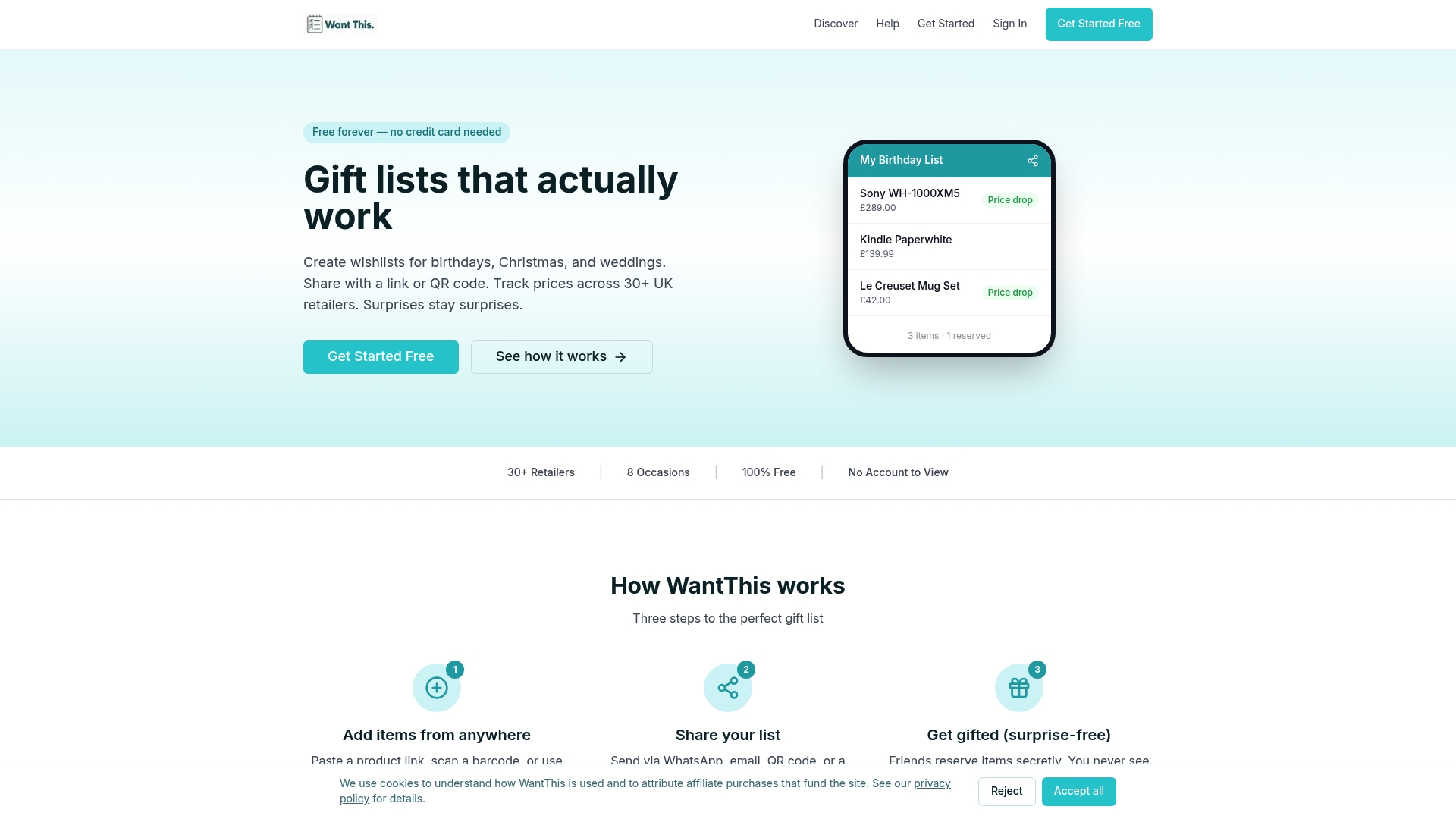
Create your free wishlist at WantThis or browse our gift ideas by category for inspiration across tech, home, beauty and wellness, fashion, books, experiences, kids and fitness. You can also see everything on our features page.
FAQ
Does H&M UK send alerts when a specific item drops in price?
H&M’s app listing describes notifications for collections, offers, events and restocks, but it doesn’t mention individual price-drop alerts. For an alert on one item, save its link to a price-tracking wishlist. You can still use H&M’s own notifications and newsletter for sale timing.
Can I get a notification when my size comes back in stock?
The app listing describes restock alerts for favourites, and a third-party guide describes alerts by size or product. Open an out-of-stock item, choose your size and look for the notify option. Remember that a restock alert tells you about stock and not about price.
Is a price alert free?
On WantThis, yes: lists, sharing and price alerts are free to use. We earn a commission through disclosed affiliate links when someone buys from a retailer after clicking through. Check the permissions of any browser extension you install, whichever tool it comes from.
What should I check before buying after an alert?
Select your size and colour, then go to the basket to see the real price with delivery. Check the returns terms and whether any voucher applies to sale items. If the page doesn’t match what you saved, trust the retailer’s page.
Sources
- H&M App on the UK App Store
- H&M UK offers page and newsletter sign-up
- H&M app guide: catalogue, features and notifications
- Drapers: Retailers launch summer Sales early to clear inventory